
Generate photorealistic images with SOTA models
The difference between a good prompt and a "boring" prompt
When diffusion generation models went mainstream in 2022, there was a belief that more words = better results. Today we know the opposite is closer to the truth: structural clarity beats volume. A well-crafted prompt has 4 components:
1. Subject: what's in the image (a woman, a car, a landscape)
2. Action/pose: what the subject is doing (running, sitting, smiling)
3. Context: where (kitchen, forest, neon night city)
4. Style: how it was captured (35mm photography, watercolor illustration, 3D render)
A polished example: "professional photograph of a brazilian woman smiling, sitting in a sunlit kitchen window, shot on 35mm film, soft natural light, shallow depth of field, cinematic color grading".
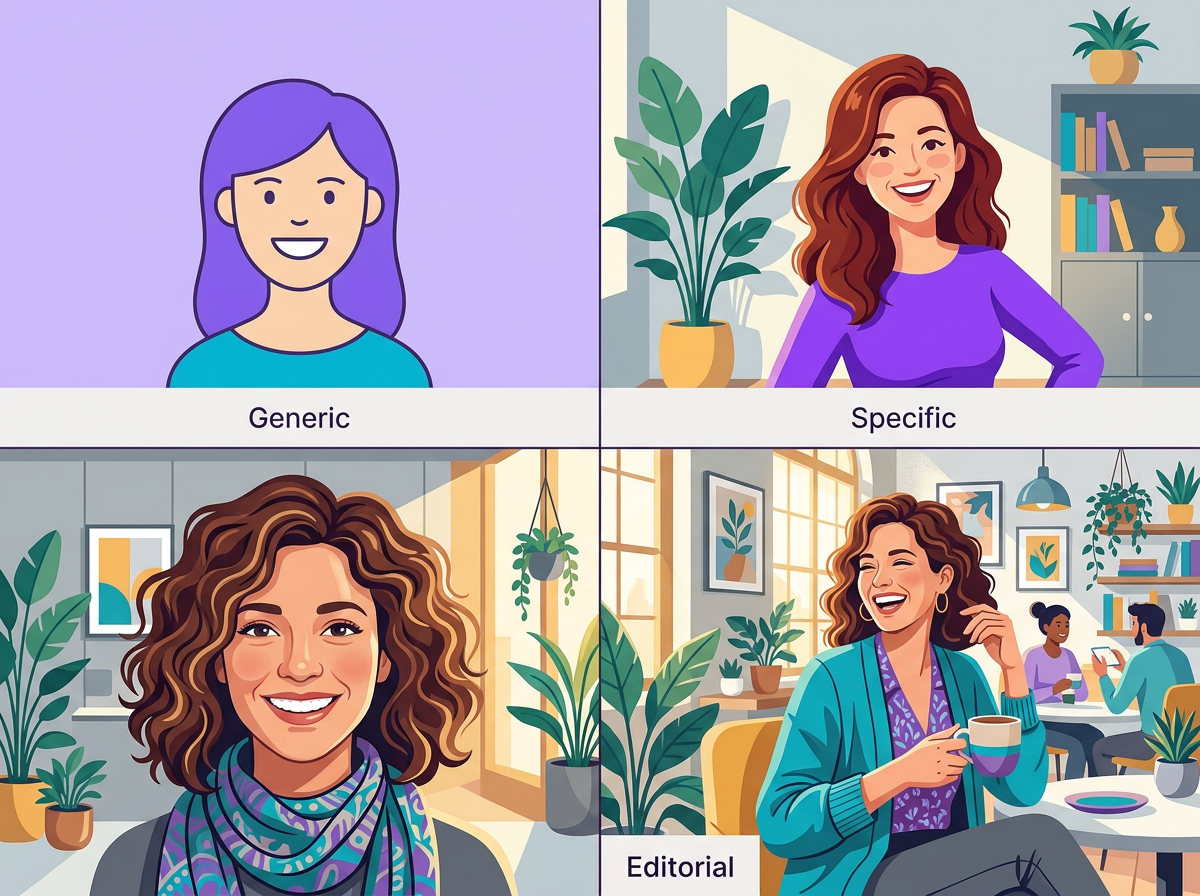
Why style matters more than resolution
Modern models produce high-resolution output (1024×1024 or 2K) effortlessly. The challenge isn't "size" — it's stylistic coherence. A photo that mixes cinematic lighting with 3D illustration texture looks off even at 4K.
Practical tip: pick ONE visual style and reinforce it with 2–3 keywords:
- Realistic photography: "35mm film, natural lighting, photorealistic, shallow depth of field"
- Editorial illustration: "editorial illustration, flat design, centered composition, no text"
- 3D render: "octane render, subsurface scattering, cinematic lighting, high detail"
- Digital art: "digital painting, concept art, fantasy, detailed"
Fine-grained control with negative prompts
Many models accept a negative prompt — what you do NOT want to see. This isn't censorship, it's direction: "blurry, low quality, watermark, text, signature, deformed hands" helps avoid the most common diffusion model artifacts.
A frequent mistake: stuffing the negative prompt with generic terms. It's best to keep it lean and specific to the problem you're actually seeing. If hands come out deformed (a classic issue), only then add "extra fingers, malformed hands".
Models on Brainiall and when to use each
- Seedream 4.5: versatile, fast, excellent for photos and portraits in general. A great default.
- FLUX 2 Klein: illustrative styles, imaginative compositions, strong for non-photographic art.
- GPT-5 Image / Gemini 3 Flash Image: excellent for photos with text (posters, logos), compositions with many elements.
- Riverflow: a balance between speed and quality, low cost.
Test the same prompt across 2–3 different models — the stylistic difference between them is greater than the quality difference.
Limitations you'll run into early on
- Text in images: getting better all the time (especially GPT-5 Image), but still struggles with specific fonts or longer words
- Hands and feet: models don't always count fingers correctly — always double-check
- Consistency across images: the same "character" across 5 separately generated images is never exactly the same — use reference images or img2img for that
- Copyright: models were trained on public data, including protected works — avoid imitating the style of specific living artists
Try it right now
In the Brainiall chat, click "Image" at the top and use a structured prompt like:
"professional photograph of a [person/object], [action/pose], [location/context], shot on 35mm film, natural lighting, shallow depth of field"
You get 1 image in 2–5 seconds. The Pro Plan at $9/mo includes 100 images/month on top-tier models.