
GPT-5 vs Claude Sonnet vs Gemini 3 Pro: which one should you choose?
Your choice of model matters more than you think
In 2026, the difference between top-tier models is significant for specific tasks. Skipping the step of testing 2–3 options and going straight to the most famous one (GPT) can cost you 2–3x more in tokens or deliver 20% worse results for your particular use case.
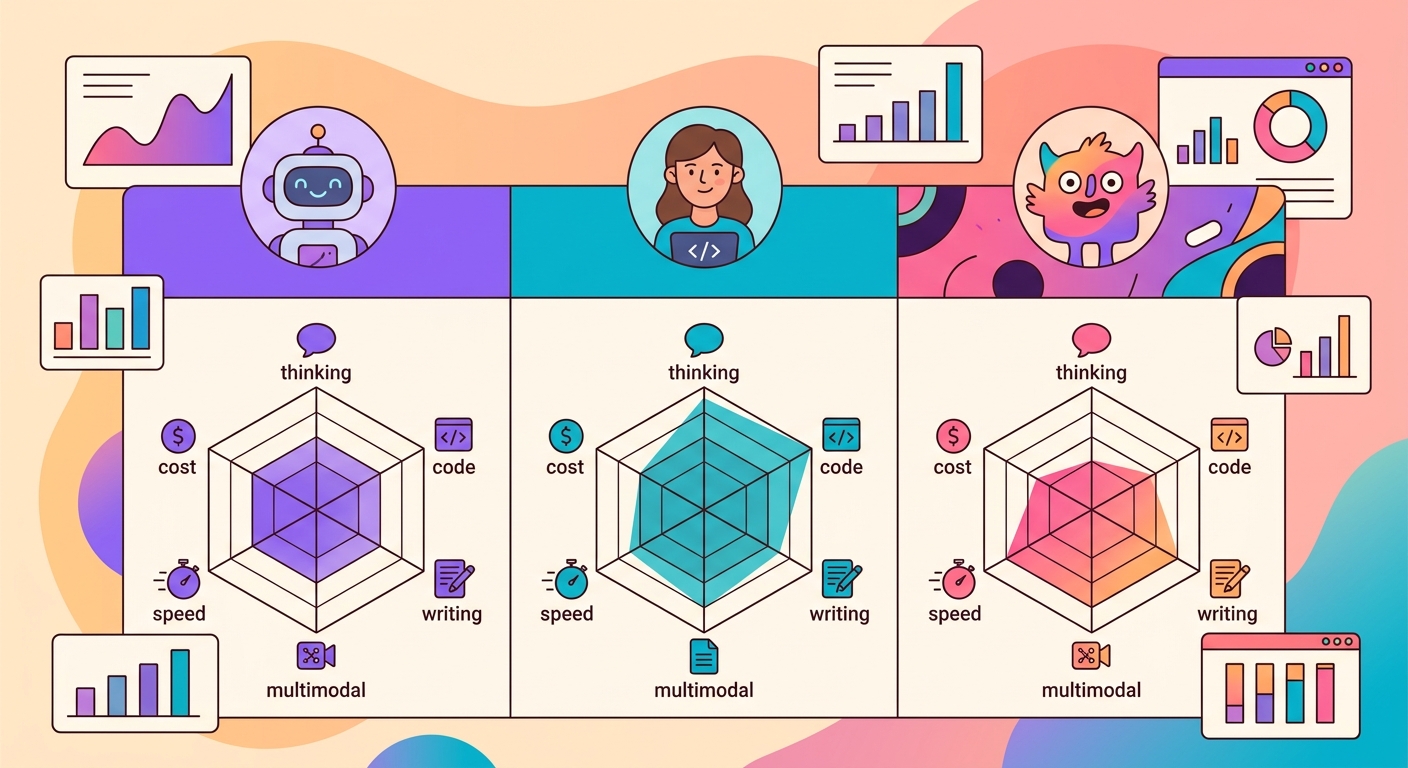
The 3 dominant models on Brainiall:
- Claude Sonnet 4.6 (Anthropic): best for complex reasoning, long-form writing, and code
- GPT-5 (OpenAI): best for multimodal tasks (image + text + code) and creative output
- Gemini 3 Pro (Google): best for massive contexts (1M+ tokens) and low latency
Real costs in 2026 (per million tokens)
| Model | Input | Output | Notes |
|--------|-------|--------|-------|
| Claude Sonnet 4.6 | $3 | $15 | Cache hit reduces input cost by 10x |
| GPT-5 | $2.50 | $12 | Lower cost per token |
| Gemini 3 Pro | $1.50 | $7 | Best cost/quality ratio |
| Claude Haiku 4.5 | $0.40 | $2 | Fast, great for simple tasks |
For an average conversational chatbot (100 messages, ~500 tokens each), the daily cost lands between $2–$10. For batch applications (analyzing 10k documents), it can climb to $100–$400.
When to use each one
Claude Sonnet 4.6 for:
- Writing long-form documents (reports, essays, legal analyses)
- Code review and refactoring
- Nuanced text analysis (literature, philosophy)
- Tasks that require following complex instructions
- Agents with long reasoning chains
GPT-5 for:
- Open-ended creative responses (brainstorming, scripts)
- Multimodal tasks where image + text both matter
- Quick, direct answers
- Cases where you want the "most general-purpose model possible"
- Standard Python and JavaScript code
Gemini 3 Pro for:
- Processing massive documents (books, entire codebases)
- Latency-critical applications (<1s)
- Video analysis (natively multimodal for video)
- Scientific and mathematical tasks
- Large-scale production where cost is a priority
Test your use case with 3 identical pipelines
Don't rely on generic benchmarks. Build your own eval:
1. Select 20 representative examples from your real-world usage
2. Run the same prompt through all 3 models
3. Evaluate responses blindly (without knowing which is which)
4. Measure: accuracy, latency, and cost
More often than not, the model that ranks "lower" on generic benchmarks turns out to be the best for your use case — because your task has specific characteristics that those benchmarks simply don't capture.
Using models via Brainiall
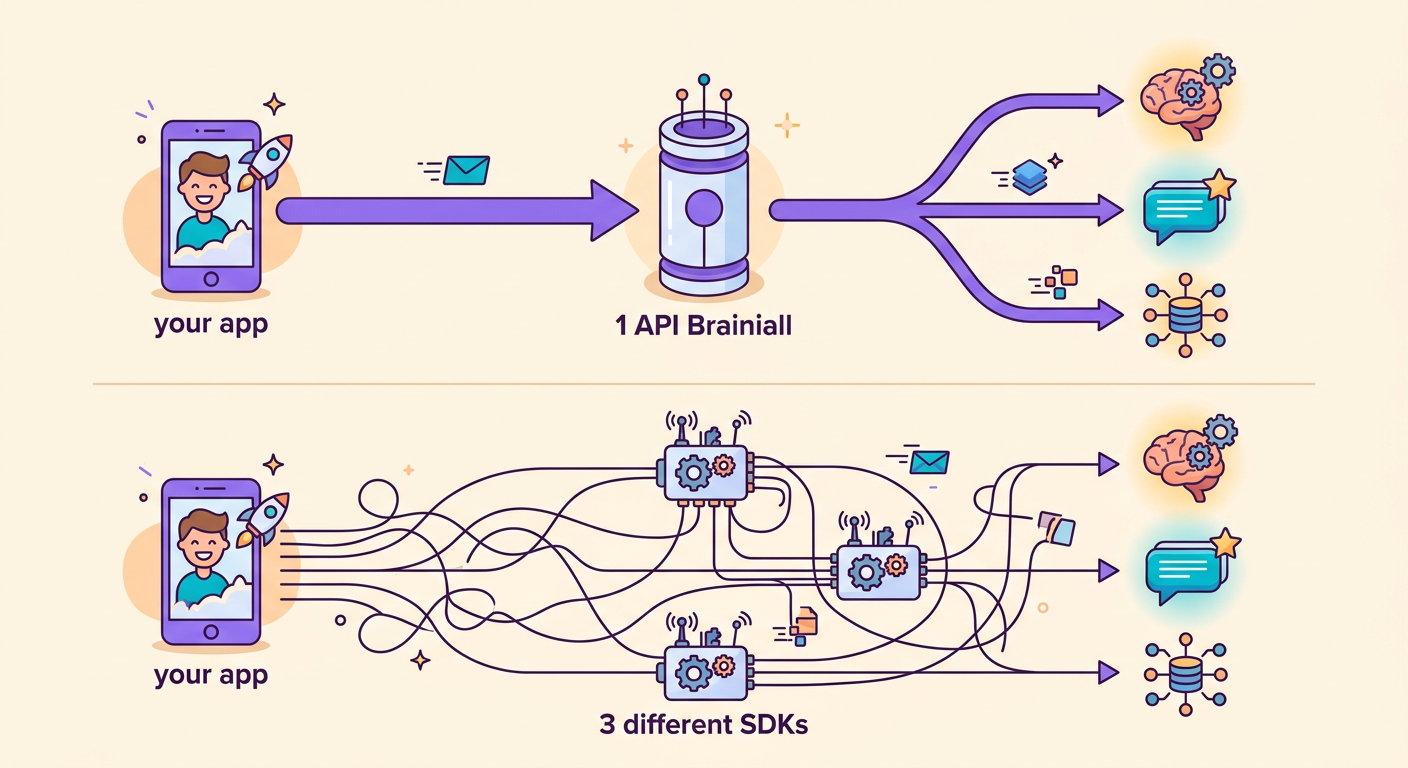
The biggest advantage of our gateway: you switch models by changing just 1 string.
`python
import httpx
def ask(model, prompt):
r = httpx.post(
"https://api.brainiall.com/v1/chat/completions",
json={"model": model, "messages": [{"role":"user","content":prompt}]},
headers={"Authorization": "Bearer brnl-xxx"}
)
return r.json()["choices"][0]["message"]["content"]
for m in ["claude-sonnet-4-6", "gpt-5", "gemini-3-pro"]:
print(m, ":", ask(m, "Explain entropy in 3 sentences."))`
Without Brainiall, you'd need 3 separate accounts, 3 SDKs, and 3 billing setups. With a single gateway, everything is seamless.
Common pitfalls when comparing models
- Non-neutral prompts: if your prompt was optimized for GPT, Claude may appear worse than it actually is
- Single-example testing: variability between runs is high; use a minimum of N=20
- Wrong metric: measuring only accuracy ignores cost, latency, and robustness
- Overlooking cache: Claude has prompt caching that cuts costs by 10x for repeated system prompts
- Not testing in your target language: all models perform well in English; differences become more pronounced in other languages
Try it right now
In the Brainiall chat, select a model from the dropdown at the top and ask your question. Then switch to another model and compare. The Pro plan at $6/mo gives you access to 15 models; Business unlocks all of them.