
Detect Language in Multilingual Texts
Why Automatic Language Detection Is Useful
Real-world scenarios:
- Multilingual chatbot: user writes "Hola, como estoy?" → detects Spanish → replies in Spanish (instead of defaulting to Portuguese)
- Global content feed: a news aggregator needs to group articles by language before translating them
- Support: a ticket written in Japanese needs to go to the Japan team, not the Brazil team
- Moderation: sensitive content rules vary by region and language
- Analytics: measure the linguistic diversity of your audience
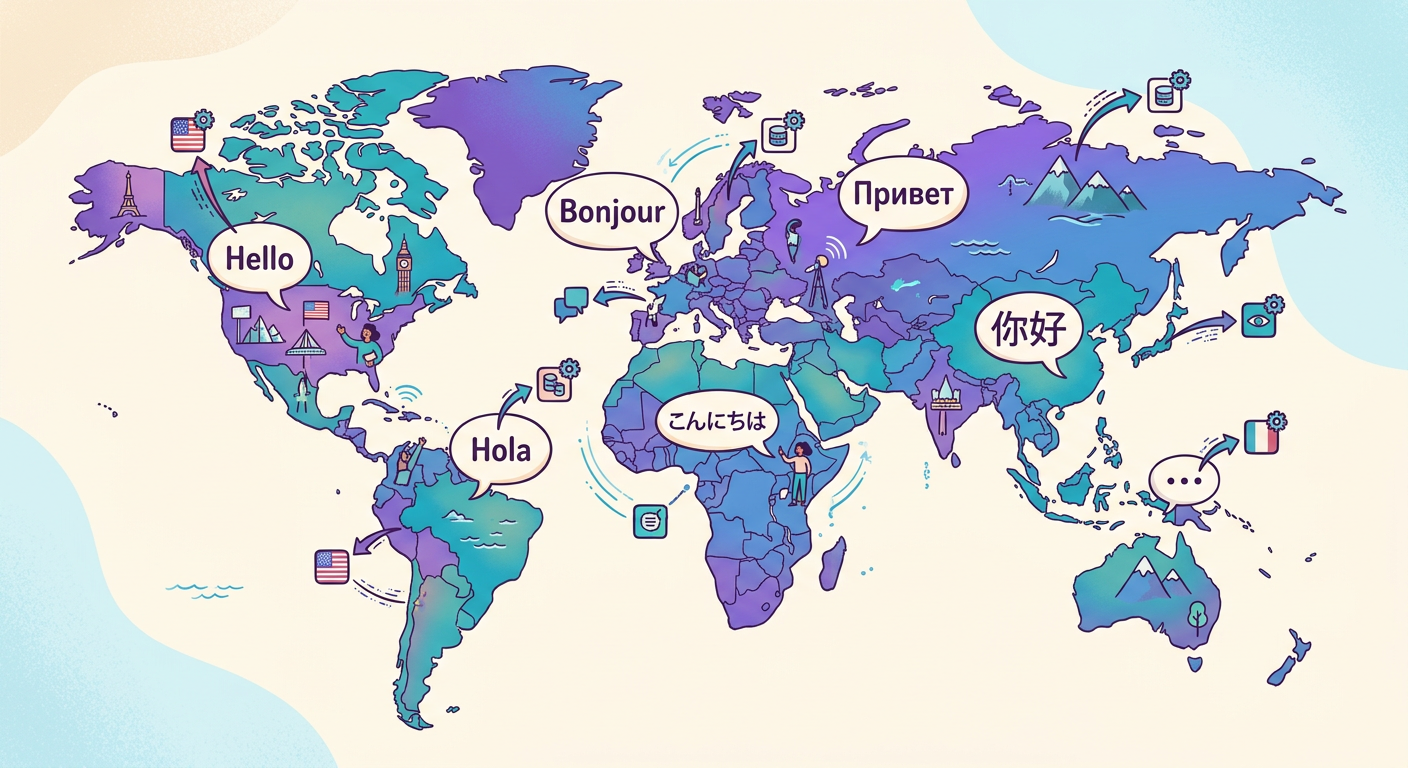
The fastText language identification model, an open-source project from Facebook, detects 176 languages in under 10ms per text.
How the Model Tells Languages Apart
fastText represents each word as character n-grams (subwords), then sums those vectors and classifies using softmax regression. Here's why it works:
- Portuguese has distinctive patterns like "ção", "nh", and "lh"
- English has characteristic sequences like "th", "ing", and "ed"
- German has "sch", "ch", and "äöü"
- Mandarin written in pinyin has patterns completely different from hanzi
The model looks at the statistical signature of n-grams to make its decision. Short texts (fewer than 3 words) are ambiguous; texts with 20+ words achieve accuracy above 99%.
Edge Cases and How to Handle Them
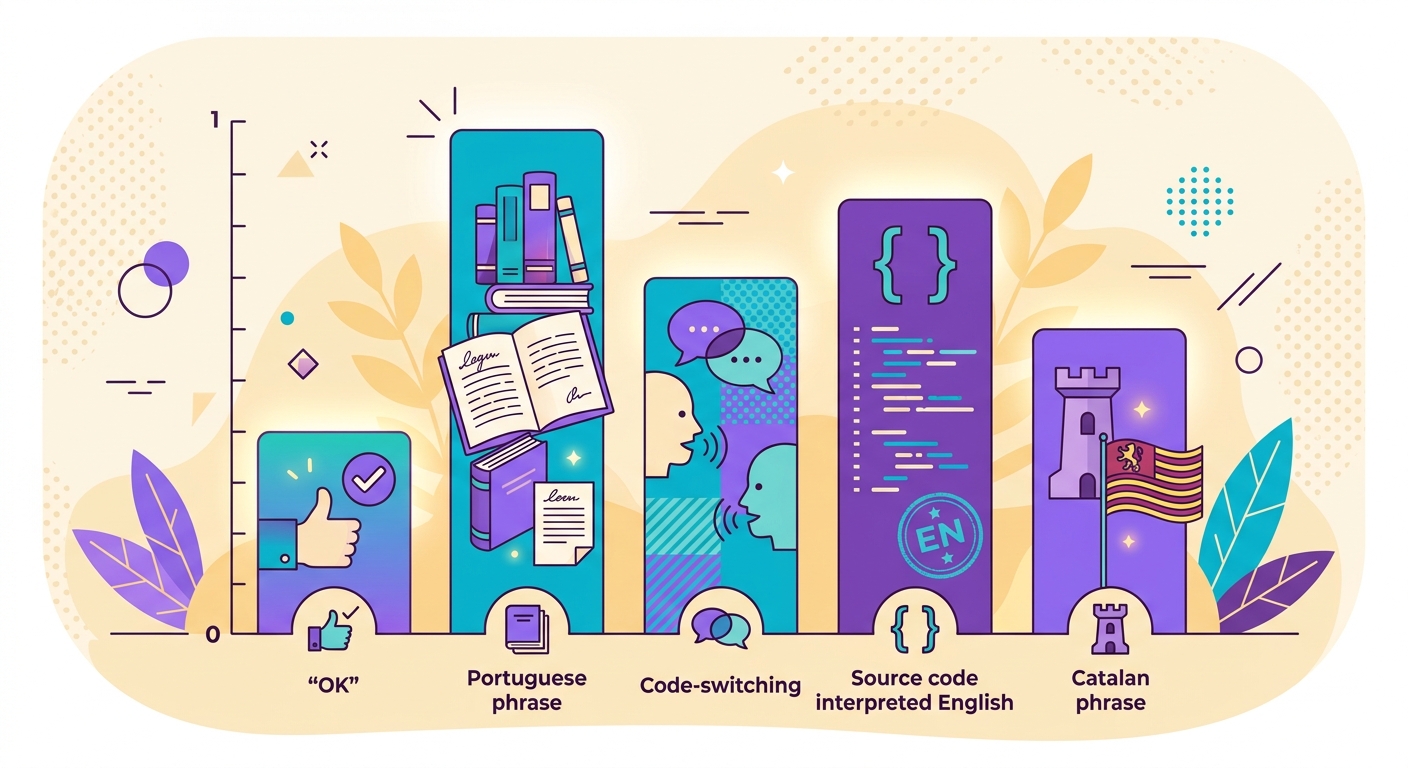
- Code-switching: text that mixes two languages ("Hello, tudo bem?") — the model returns the dominant language with a reduced confidence score
- Closely related languages: Portuguese vs. Spanish vs. Catalan — fastText gets it right 90%+ of the time, but borderline cases do exist
- Transliteration: Chinese written in pinyin or Arabic in Latin characters — the model may falsely detect these as "English"
- Very short texts: "OK" could belong to any language — always returned with a low score, so you should apply a threshold
- Source code: programming code is detected as "English" — filter it out beforehand if needed
Recommended threshold: only accept detections with a confidence score above 0.75. Below that, flag the text as "unknown" and escalate to a human reviewer.
Integrating Into Your Stack
Typical Python example:
`python
import httpx
r = httpx.post(
"https://api.brainiall.com/api/nlp/language",
json={"text": "Hola, ¿cómo estás hoy?"},
headers={"Authorization": "Bearer brnl-xxx"}
)
# {"language": "es", "confidence": 0.96, "top_3": [
# {"lang": "es", "conf": 0.96},
# {"lang": "pt", "conf": 0.02},
# {"lang": "ca", "conf": 0.01}
# ]}`
Use top_3 when you want to surface alternatives for low-confidence cases (e.g., "This looks like Spanish, but it could be Catalan — please confirm").
Advanced Use Cases
- NLP pre-processing: detect language before sentiment analysis and route to the right model
- Filtering: remove off-language texts from large datasets
- Traffic routing: load-balance across multilingual clusters
- Segmentation: split long mixed-language documents by language
- Search: let users filter content by saying "show me only Portuguese content on this platform"
Try It Right Now
Ask "detect the language of this text: [paste]" in the Brainiall chat. API available at /api/nlp/language. Typical latency under 10ms — ready for real-time use. The Pro plan at $29 includes generous usage limits; the Business plan adds batch API access.