
Automatically Find CPF, RG, and Email in Documents
What Is PII and Why LGPD Requires You to Find It
PII (Personally Identifiable Information) is any data that identifies a person: name, CPF, RG, email, phone number, address, banking details, photo, or biometrics. Under LGPD (Law 13.709/2018), if you store PII from Brazilian users, you must:
1. Know where each piece of PII is stored
2. Be able to export all of a user's PII upon request (art. 18)
3. Delete it completely when a user invokes their "right to be forgotten"
4. Audit who accessed each piece of personal data and when
The challenge: PII ends up scattered across logs, emails, Word documents, support tickets, screenshots, and legacy databases. Manually finding PII is simply impossible in any company with more than 100 employees.

Brazil-Specific PII Types
International NER (Named Entity Recognition) models do a decent job detecting names, emails, phone numbers, and addresses. For Brazil, we need specialized recognition:
- CPF: format 000.000.000-00 or 00000000000, including check-digit validation
- CNPJ: 00.000.000/0000-00 or 14 digits
- RG: format varies by state (SP: 00.000.000-0, other states differ)
- CEP: 00000-000 or 8 digits
- Título de eleitor: 12 digits
- PIS/PASEP: 11 digits with validation
- Driver's license (CNH): 11 digits
Brainiall uses a custom ONNX model trained on Brazilian documents combined with validated regex patterns to capture these types with 98%+ accuracy.
The Difference Between Detection and Anonymization
Detection is just the first step. What you do next depends on the context:
- Reversible anonymization: replace with a token (e.g.,
CPF_USR_42) while keeping the mapping in an encrypted vault. Ideal for aggregate analysis without exposing identities. - Full redaction: replace with
[REDACTED]. Best for publishing logs or reports externally. - Pseudonymization: replace with a plausible but fake value (an invalid CPF with the correct format). Great for test environments.
- Deletion: remove completely. Used for GDPR/LGPD art. 18 requests.
Brainiall's endpoint supports all 4 modes via the mode parameter.
Integrating With Your Pipeline
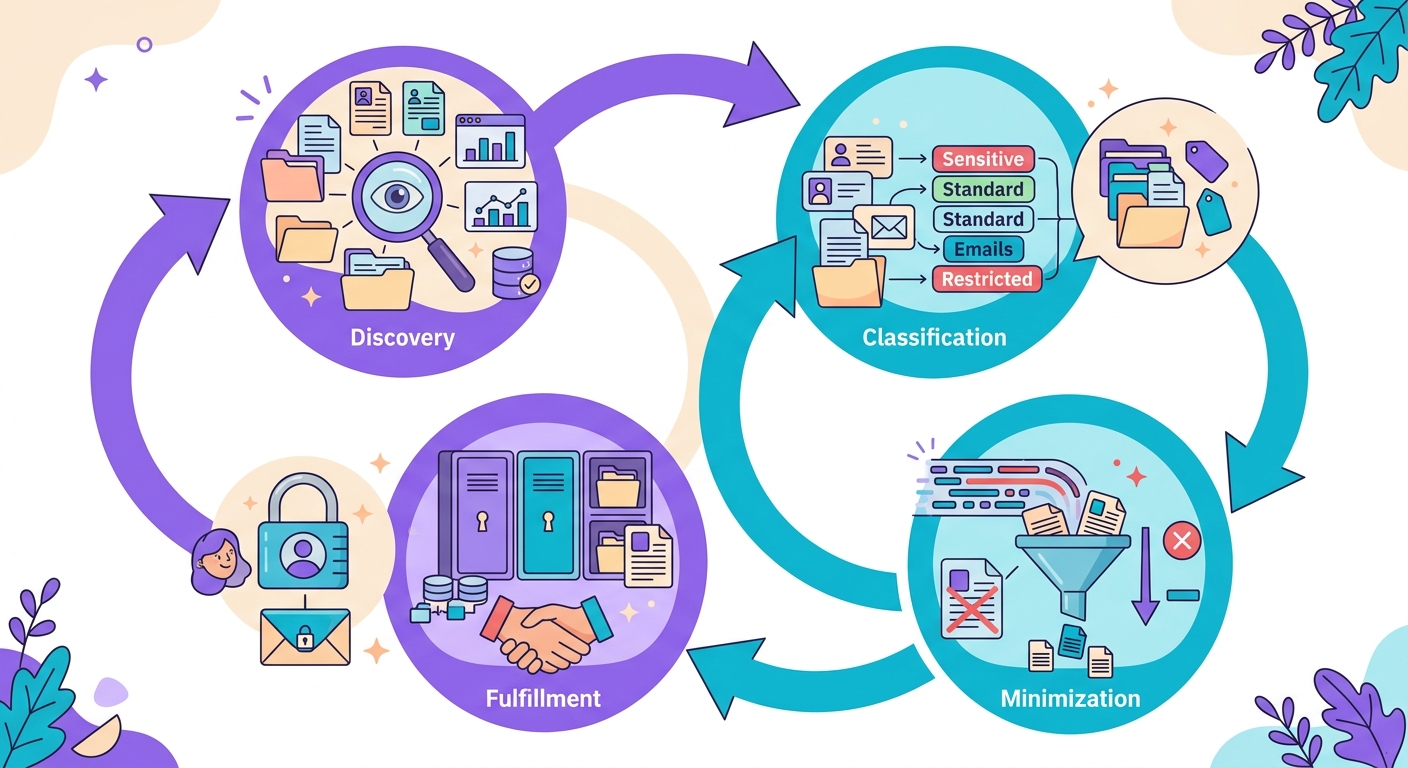
A typical enterprise workflow looks like this:
1. Discovery: periodic scans (weekly) across all data sources — databases, S3, logs, email
2. Classification: flag where PII exists, what type it is, and its criticality level
3. Minimization: PII that's no longer needed gets deleted or moved to encrypted cold storage
4. Request fulfillment: when a user requests an export or deletion, fast lookup via index
The detection API is just one layer of this pipeline. You'll also need metadata infrastructure, audit logging, and data mapping.
Common Pitfalls
- False positives: a random phone number in text like "call line 555-1234" may be flagged as a real phone number
- Context matters: "my CPF is 000.000.000-00" vs. "the document listed anonymous CPFs" — the second is not real PII
- Base64: PII hidden inside encoded strings won't be detected without prior decoding
- OCR errors: scanned CPFs with swapped characters (O instead of 0) can slip through undetected
- Compound names: "Maria dos Santos" is straightforward; "José" on its own might just be a common word
Try It Right Now
In the Brainiall chat, just ask "detect PII in this text: [paste content]". Or use the API at /api/nlp/pii. For enterprise-scale compliance, the Business plan at $19 includes a batch API and audit log retention for 12 months.