
Integrate Brainiall into your Python or Node.js app
The Brainiall API is OpenAI-compatible
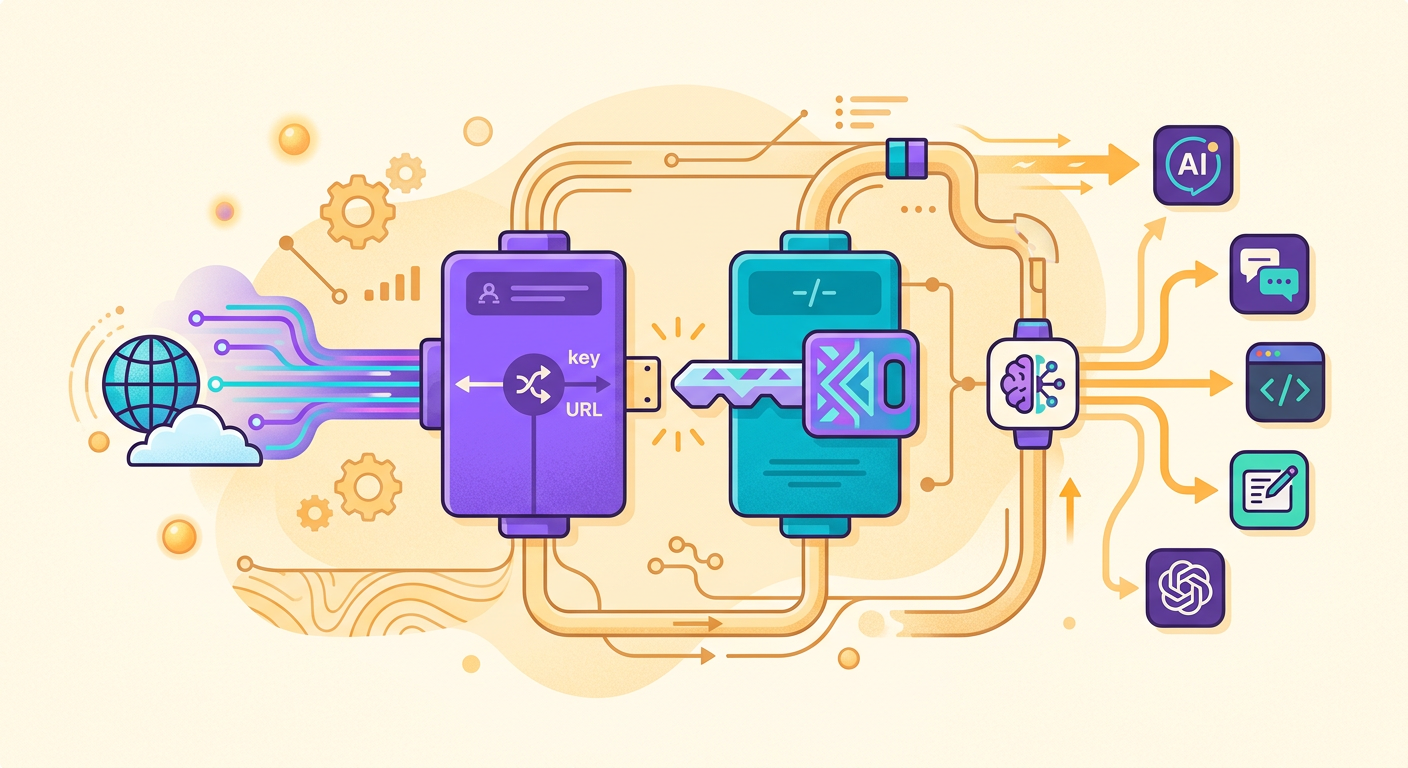
If you already know how to make requests to the OpenAI API, you already know how to use Brainiall. Only 2 things change:
1. Base URL: https://api.brainiall.com/v1 (instead of https://api.openai.com/v1)
2. API Key: format brnl-... (instead of sk-...)
Everything else is identical. Your existing code works by swapping out those two values.
Step 1: create your API key
1. Go to https://app.brainiall.com
2. Log in with Google (if it's your first time)
3. Menu → API Keys → "Create new"
4. Give it a descriptive name ("my-prod-app" or similar)
5. Copy the key — it only appears once, so keep it safe
The Pro $29 plan includes 1 active key; Business includes credits + multiple keys + rotation.
Step 2: Python with httpx
`python
import httpx
BASE = "https://api.brainiall.com/v1"
KEY = "brnl-d13..." # your key
def chat(prompt, model="claude-sonnet-4-6"):
r = httpx.post(
f"{BASE}/chat/completions",
json={
"model": model,
"messages": [{"role": "user", "content": prompt}]
},
headers={"Authorization": f"Bearer {KEY}"},
timeout=60
)
r.raise_for_status()
return r.json()["choices"][0]["message"]["content"]
print(chat("Explain TLS in 2 sentences."))`
Step 3: Python with the official OpenAI SDK
`python
from openai import OpenAI
client = OpenAI(
base_url="https://api.brainiall.com/v1",
api_key="brnl-xxx"
)
r = client.chat.completions.create(
model="claude-sonnet-4-6",
messages=[{"role": "user", "content": "Hello!"}]
)
print(r.choices[0].message.content)`
The OpenAI SDK works 100% — we support streaming, function calling, tool_use, vision, and all OpenAI standards.
Step 4: Node.js
`javascript
import OpenAI from 'openai';
const client = new OpenAI({
baseURL: 'https://api.brainiall.com/v1',
apiKey: 'brnl-xxx'
});
const r = await client.chat.completions.create({
model: 'claude-sonnet-4-6',
messages: [{ role: 'user', content: 'Hello!' }]
});
console.log(r.choices[0].message.content);`
Available models
Use the /v1/models endpoint to list them in real time:
`python
r = httpx.get(f"{BASE}/models", headers={"Authorization": f"Bearer {KEY}"})
for m in r.json()["data"]:
print(m["id"])`
Categories:
- Text: claude-sonnet-4-6, gpt-5, gemini-3-pro, llama-4-maverick, deepseek-v3, etc.
- Image: gemini-3-flash-image, gpt-5-image, flux-2-klein, seedream-4.5
- Video (separate endpoint /v1/videos): bytedance/seedance-2.0-fast
- TTS (endpoint /v1/audio/speech): 54 voices
- STT (endpoint /v1/audio/transcriptions): Whisper Large v3
Streaming (server-sent events)
`python
with httpx.stream("POST", f"{BASE}/chat/completions", ...
json={"model": "...", "messages": [...], "stream": True}
) as r:
for line in r.iter_lines():
if line.startswith("data: "):
# parse chunk JSON
...`
Streaming dramatically reduces perceived latency — tokens appear as they are generated instead of waiting for the full response.
Rate limits and best practices
- Free tier API: does not exist — API requires a Pro or Business plan
- Pro $29: includes chat + image via portal, API billed by usage
- Business $99: $50/month in API credits already included
- Retry: use exponential backoff for 429/5xx errors
- Cache: store deterministic responses locally
- Timeout: 60s is safe; for long-running tasks like video, use 300s
Common pitfalls
- Forgetting
Bearerbefore the key → 401 - Hardcoding the key in your code → eventual leak on git push; use env vars
- Not handling 429 → your app grinds to a halt
- Ignoring
usagein the response → billing surprises - Using the wrong model for a simple task → unnecessary 10x cost
Try it right now
Create your key at https://app.brainiall.com and run one of the examples above. Pro $29 is the minimum to access the API; Business $99 includes enough credits to hit the ground running.