
Chat with a 300-Page PDF
Why PDFs Are a Special Challenge
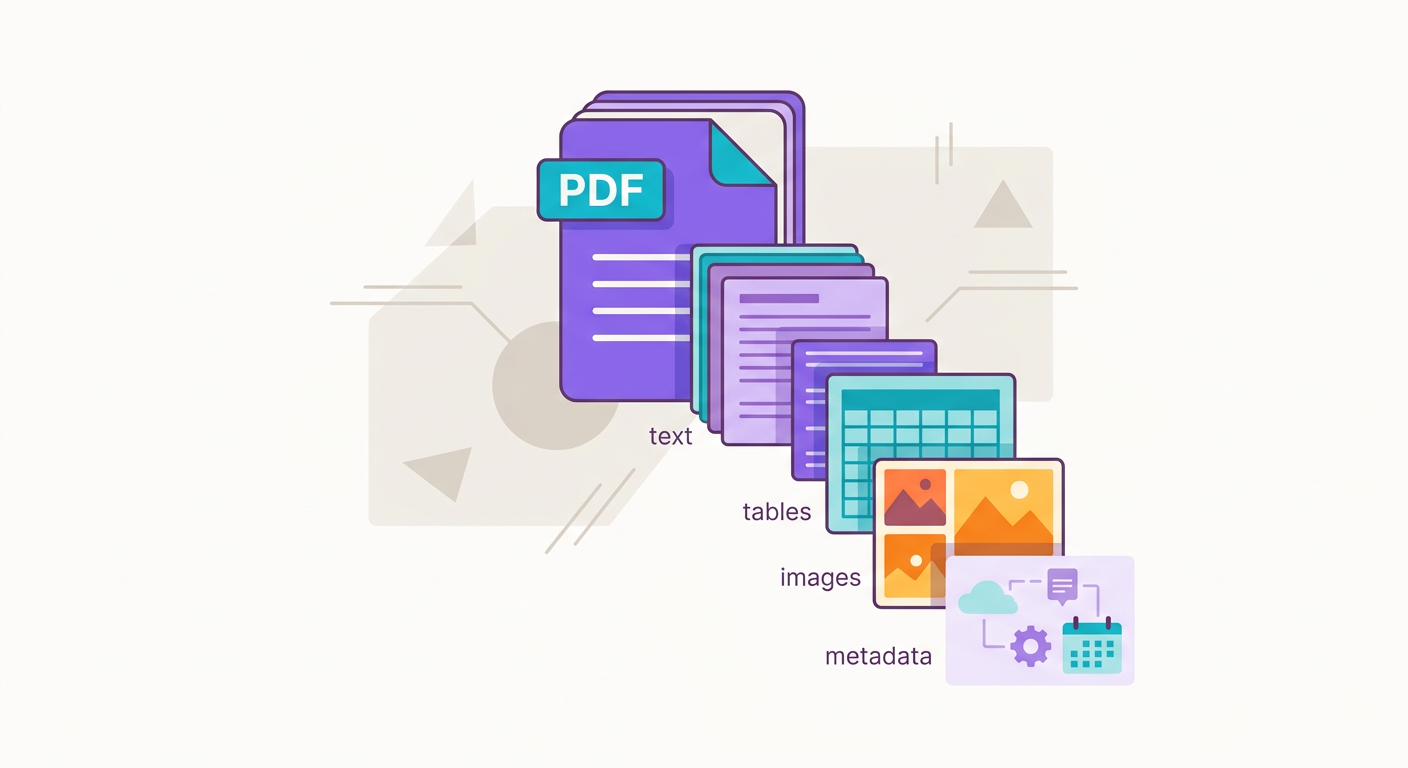
PDFs are tricky because they combine 3 worlds:
1. Structured text: paragraphs, lists, footnotes
2. Visual layout: columns, tables, diagrams, charts
3. Images: photos, logos, embedded screenshots
PDF is a visual-first format: it preserves appearance across any device. But text is just a byproduct — extracting the original semantic content isn't always straightforward.
At Brainiall, when you upload a PDF:
- Raw text is extracted (pdfplumber or pdfium)
- Tables are detected (camelot or tabula)
- Pages are converted to images
- OCR (Whisper-OCR or Mistral-OCR) is applied to pages where text can't be extracted directly
- Hierarchical structure is identified (headings, sections)
- Optionally: summarized + vectorized for RAG
Conversation Flow: RAG vs Full Context
Two strategies depending on document size:
PDF < 50 pages (~100k tokens):
- Send the full text in the Claude Sonnet or Gemini Pro prompt
- The model "sees" everything and responds based on complete context
- Advantage: no information is lost
- Disadvantage: costly for multiple questions (each request reprocesses the PDF)
PDF > 50 pages:
- Use RAG (Retrieval Augmented Generation)
- Split the PDF into chunks of ~500 tokens
- Vectorize each chunk
- For each user question, retrieve the 5–10 most semantically relevant chunks
- Send ONLY those chunks in the prompt
- Advantage: affordable + scalable
- Disadvantage: if the model needs to connect information from distant sections, context may be lost
Brainiall automatically decides which strategy to use based on the PDF size.
Practical Use Cases
- Legal documents: chat with an 80-page contract to find specific clauses
- Academic papers: "what are the main arguments against the author's thesis?"
- Financial reports: "compare Q3 vs Q4 growth in this 10-K"
- Technical manuals: "what's the procedure to reset the equipment?"
- Textbooks: private tutoring on any topic
- Legal proceedings: search for dates, parties, and key facts across 500+ page case files
Common Pitfalls
- Complex tables: nested or merged tables can come out garbled in extracted text; use image OCR as a fallback
- Mathematical formulas: LaTeX in PDFs turns into unreadable text; vision models handle this much better
- Old scanned documents: PDFs that are image-only (no embedded text) require OCR, which can misread words
- Exotic languages: low-resource languages tend to have lower OCR accuracy
- Password-protected PDFs: copy-protected PDFs can block extraction — a password is required
Questions That Work Well vs. Poorly
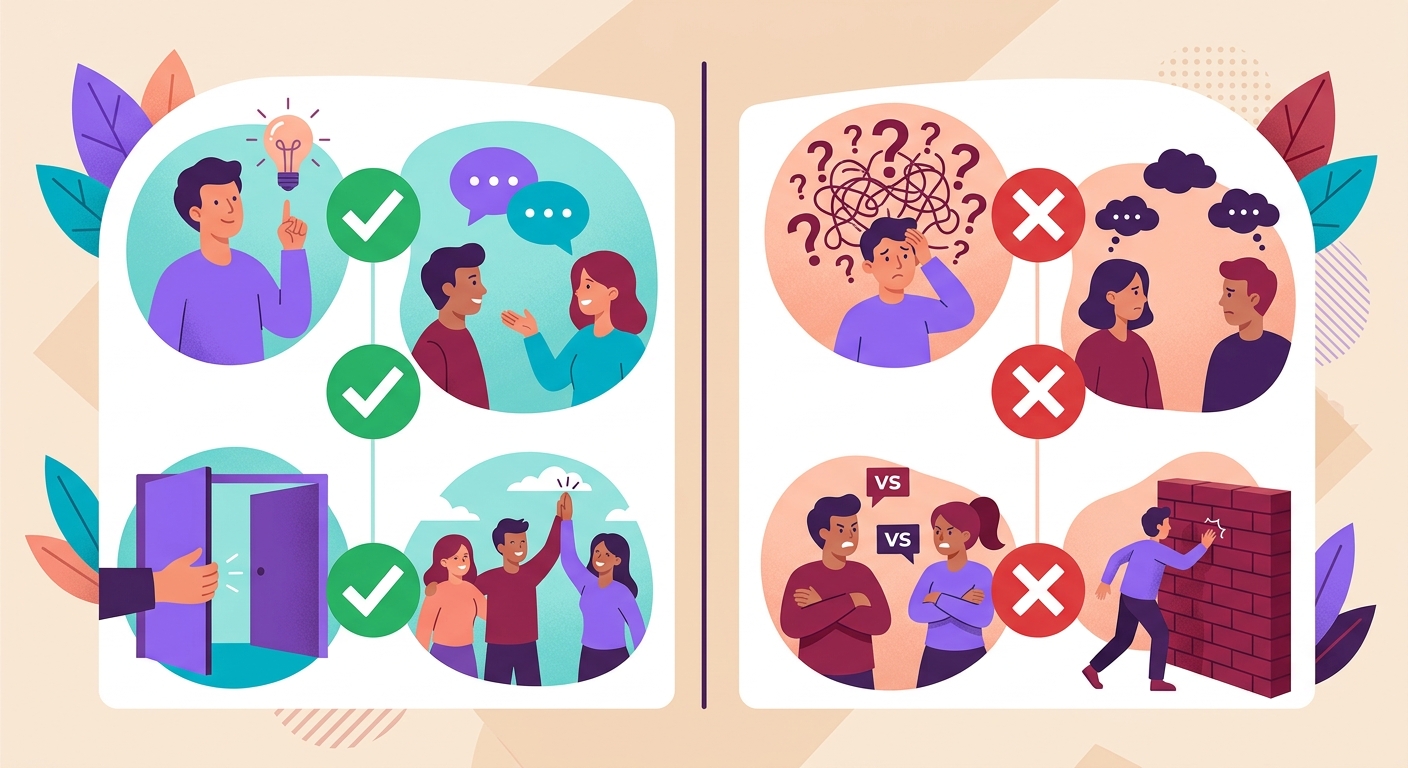
Work well:
- "What is the central argument of chapter 3?"
- "List all dates mentioned in this report"
- "Compare the conclusions from section 4 and section 7"
- "What was the net revenue in 2025?"
Work poorly:
- "Summarize this entire PDF in 2 paragraphs" (requires full context that may be lost in RAG)
- "What is the author's emotional tone at the end?" (nuance that's hard to capture across chunks)
- "What's in the image on page 45?" (requires dedicated vision processing)
Integrating via API
`python
import httpx
# Upload the PDF first
with open("contract.pdf", "rb") as f:
r = httpx.post(
"https://api.brainiall.com/v1/files",
files={"file": f},
headers={"Authorization": "Bearer brnl-xxx"}
)
file_id = r.json()["id"]
# Then, chat referencing the file
r = httpx.post(
"https://api.brainiall.com/v1/chat/completions",
json={
"model": "claude-sonnet-4-6",
"messages": [
{"role": "user", "content": [
{"type": "text", "text": "List all parties in this contract"},
{"type": "file", "file_id": file_id}
]}
]
},
headers={"Authorization": "Bearer brnl-xxx"}
)`
Try It Right Now
In the Brainiall chat, drag a PDF into the input area and start asking questions. Up to 10MB per file. The Pro plan at $29 allows generous uploads; Business includes batch processing + 30-day file retention.