
Your First AI Video (Seedance 2.0)
Why video is dramatically harder than image
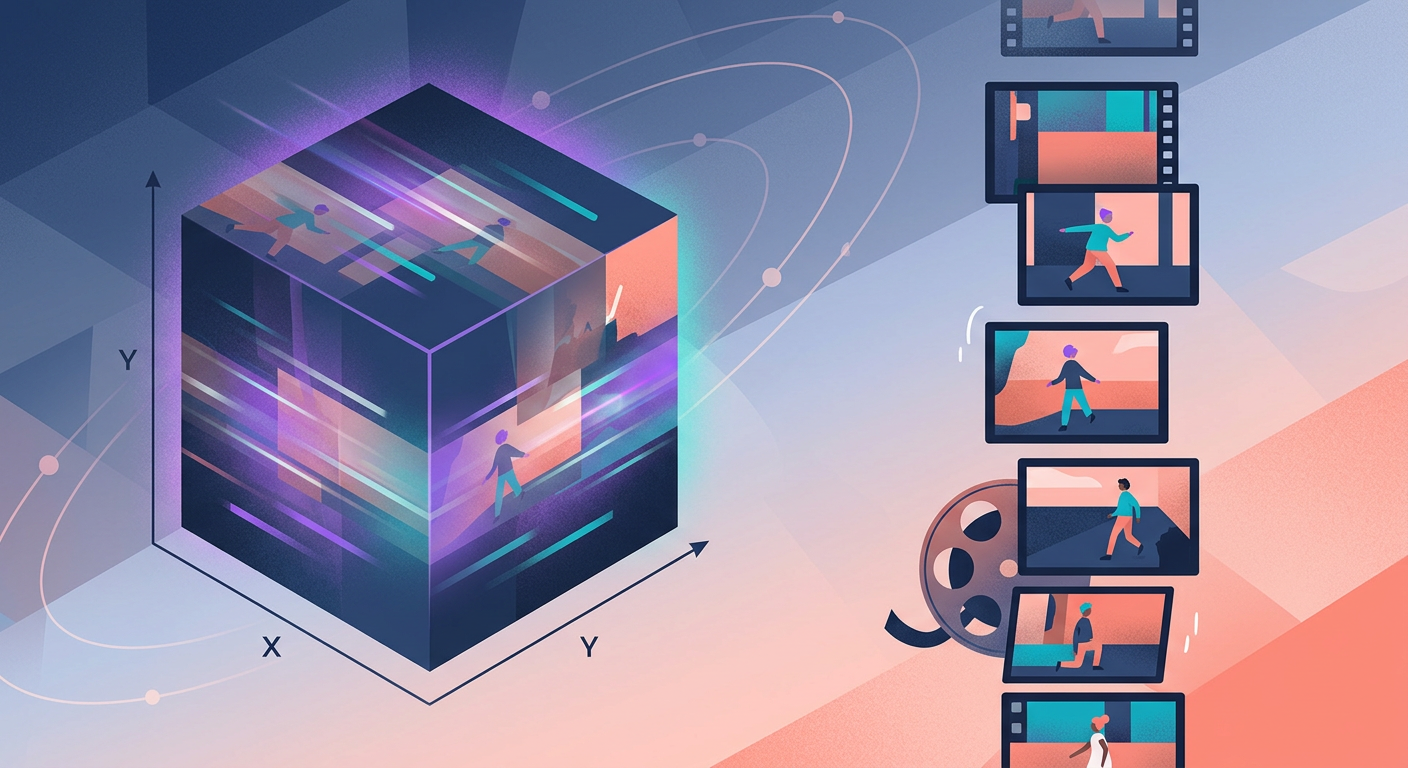
Generating an image means deciding ~1 million pixels in a coherent way. Generating a video means deciding ~1 million × 120 (frames) × 5 (seconds) = 600 million pixels, all consistent with each other over time. A car that changes color between frame 15 and frame 16 instantly breaks immersion — your brain catches it.
Models like Seedance 2.0 (Bytedance), Veo 3 (Google), and Sora (OpenAI) solve this with architectures that treat time as an additional dimension of diffusion. Instead of generating frames independently one by one, they generate the entire clip at once, ensuring temporal consistency.
What Seedance 2.0 does well in 2026
- 5–8 continuous seconds: the ideal duration for social media (Instagram Reels, TikTok)
- Character and scene consistency: people and objects maintain their appearance throughout the clip
- Camera movements: dolly-in, pan, tilt — described in natural language and they actually work
- Basic physics: objects fall, water flows, leaves sway — reasonably accurate
- Dynamic lighting: smoke, sparks, sun rays — high-quality results
The structure of a great video prompt
A video prompt needs to describe action over time, not just the "state" of an image. Compare:
Weak (static):
> A coffee cup on a wooden table.
Strong (temporal):
> Close-up of a ceramic coffee cup on a wooden table, steam slowly rising in curls, soft morning light coming from the left, subtle dolly-in camera movement.
The key components:
- Subject + context (cup, table)
- Action (steam rising)
- Lighting (morning light, left)
- Camera (close-up, dolly-in)
Camera movements that work well
- Dolly-in / dolly-out: moving closer or farther without digital zoom. Creates cinematic immersion.
- Horizontal pan: the camera rotates on the vertical axis. Works great for landscapes.
- Vertical tilt: bottom to top or vice versa. Useful for reveals.
- Steady-cam tracking: follows a moving subject. More complex — sometimes fails.
- Static shot: camera stays still, movement only in the subject. Most consistent.
Avoid requesting extreme optical zoom or scene cuts — 2026 models still don't handle cuts well; they generate a single continuous clip.
The limitations you will run into
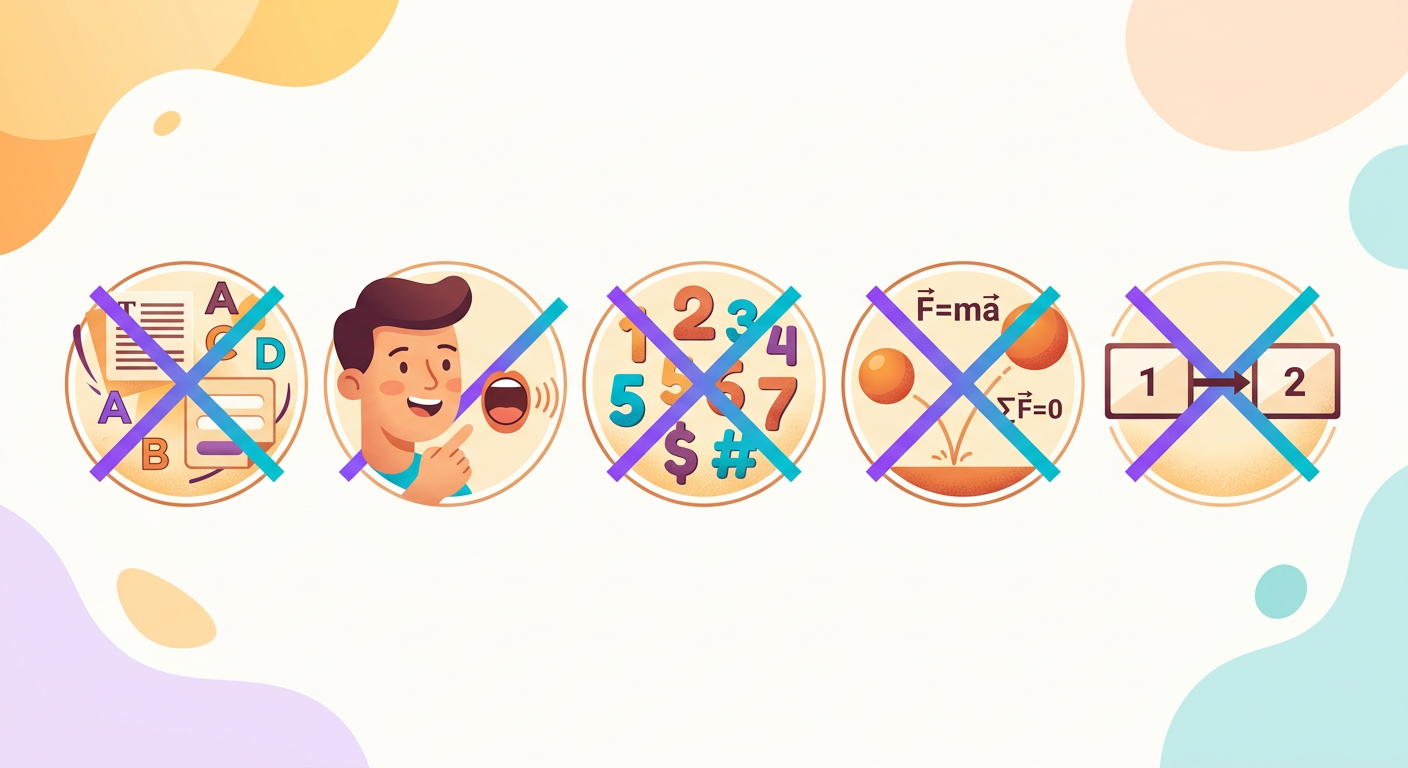
- Text in video: signs, logos, captions — still very unreliable
- Synced dialogue: the clip's audio is generated separately; lip-sync is rudimentary
- Countable objects: "5 people running" might come out as 4 or 6
- Complex physics: objects falling into water, fire, fluids — acceptable in wide shots, poor in close-ups
- Drastic changes: day → night within the same clip — doesn't work; generate 2 separate clips
Practical use cases
- B-roll for editorial videos: 4–6 short clips to cut alongside your main footage
- Transitions: video intros, outros, and section breaks
- Visual ads: 5-second animated banners for Instagram and TikTok feeds
- Presentations: a memorable opening slide instead of a standard fade
- Concept prototyping: visually show how an idea would look before you ever film it
Try it right now
In the Brainiall chat, ask "generate a 5-second video of [detailed description]". Allow 30–90 seconds for generation. The Pro plan at $29 includes 10 videos/month. The Business plan at $99 goes up to 50/month with priority queue.